

Touchless kitchen faucet solutions are no longer futuristic novelties—they’re a practical upgrade for today’s busy, health-conscious homes. In this guide, you’ll find no-nonsense advice for picking a touchless or motion sensor faucet that’s reliable, easy to retrofit, and worth your money. We cover common complaints, hard performance metrics, and exactly what to check before you buy, so you walk away with the right hands free faucet—not one that just looks good in an ad.
Key Takeaways
- Touchless kitchen faucets now account for over 60% of the smart faucet market—driven by demand for improved hygiene, water savings, and hassle-free convenience.
- The biggest ongoing pain points are false triggers, battery hassles, inconsistent sensors, and tricky installations; buying on specs alone is risky.
- Side-by-side comparison of sensor type, WaterSense rating, battery life, and retrofitting needs is critical to avoid regret and lost money.
- Quick market snapshot — why now is the time to buy
- Why choose a touchless/motion sensor faucet — tangible benefits
- Common buyer pain points — what users actually complain about
- Big gaps competitors miss — the decision metrics you must see
- How to evaluate sensors and activation (practical checklist)
- Power & reliability tradeoffs — battery vs AC vs hybrid
- Water performance and conservation — flow, certifications, and savings
- Installation & retrofit realities — what contractors and DIYers must know
- Durability, warranty & long-term maintenance
- Smart features & integrations — what’s useful vs gimmick
- Head-to-head comparison template (how to compare models)
- Budgeting, cost vs savings, and ROI example
- Quick buying checklist & FAQ
- Recommended next steps & CTA
Quick market snapshot — why now is the time to buy
The touchless kitchen faucet market is having a major moment. In 2024, it’s estimated at $1.2 billion globally, making up a dominant 61% of the total smart faucet segment (source). The U.S. automatic faucet market alone hit $1.32 billion in 2023 and is on track for $1.91 billion by 2029 (6.34% CAGR) according to market forecasts.
What’s driving the surge? It’s a perfect blend of heightened hygiene priorities (thanks, recent global health scares), stronger water conservation rules, and major leaps in sensor reliability and smart home features. Touchless kitchen faucets—once high-end curiosities—now fit nearly any budget, with reliable options from the likes of Moen Arbor Motionsense, Delta, and Kohler. In short: smart faucet convenience and water-saving features are mainstream and accessible.

Why choose a touchless/motion sensor faucet — tangible benefits
The main appeal of a motion sensor faucet is straightforward: you get hands-free operation, which sharply cuts down on mess and germ spread. That’s huge in busy kitchens—when you’re prepping chicken, baking with kids, or helping anyone with reduced mobility. No more grubby handles. Plus, many designs let you override the sensor for manual control if needed (e.g. when filling a big pot).
Adding a hands free faucet also often means lower water usage. Studies show touchless designs can reduce overall sink running time, helping households save hundreds of gallons each year. Many models work with voice assistants (Alexa, Google), making them easier to fit into a smart kitchen setup (source).
Common use cases that benefit most:
- Busy cooks who prep with raw proteins (reducing cross-contamination on sink handles)
- Families seeking “always clean” hygiene for kids, elderly, or immune-sensitive members
- Multi-taskers who appreciate smart voice commands or quick wash cycles without touching a thing
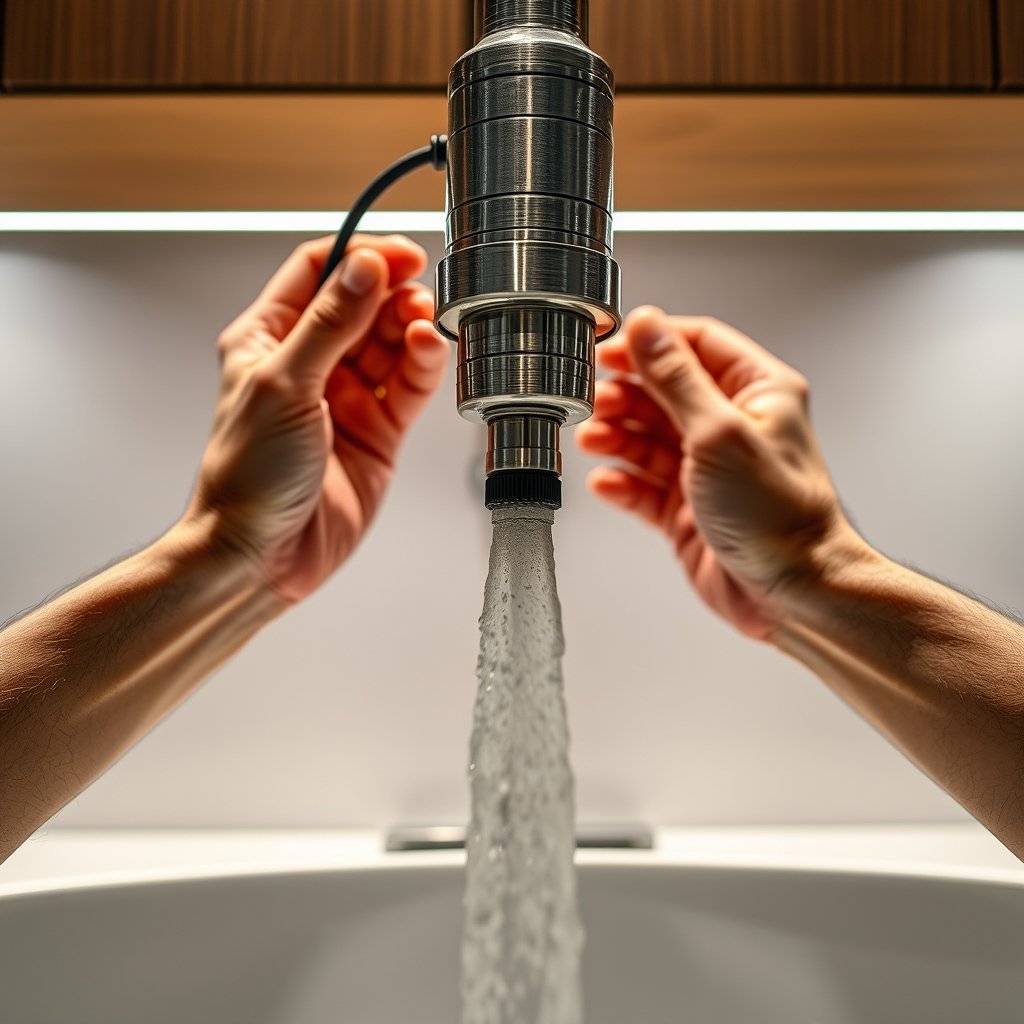
If you prize water savings, you can find models with EPA WaterSense certification to guarantee lower flow (see Water performance and conservation below). Smart kitchen upgrades also help future-proof homes for resale.
For more innovative kitchen solutions, check our roundup of kitchen ideas that make everyday cooking effortless.
Common buyer pain points — what users actually complain about
No touchless sink or motion sensor faucet is flawless. Here are the top real-world annoyances, as reported by hundreds of aggregated buyer reviews:
- False triggers: Pets, sleeves, or even light reflections can activate the faucet unexpectedly.
- Delayed on/off: Some sensors lag half a second or more, frustrating in daily use.
- Battery life: With heavy use, alkaline batteries in hands free faucets may last only 3-6 months; forgotten replacements = no water.
- Temp control issues: Some models don’t allow quick toggle between hot/cold after installation.
- Splash/mess under sensor: Leaks or drips after turning off are commonly flagged.
- Hard to clean around sensor: Water spots can build up, sometimes requiring precision cleaner and gentle cloth to avoid misfires.
- Connectivity drops: In Wi-Fi/Bluetooth models, losing connection disables smart features, or worse, sensor activation entirely.
- Price shock: High-quality touchless models often cost 2–4 times that of decent manual faucets.
Knowing these complaints, always review multiple user reports—not just brand marketing—for your top choices.
Wondering which model actually holds up over time? Jump to our head-to-head comparison template.
Big gaps competitors miss — the decision metrics you must see
Too many buying guides focus only on pretty finishes or generic features. The decision points that matter in real kitchen use:
- Gallons per minute (GPM)—Flow rates range from 1.0–2.2 GPM; look for models certified under EPA WaterSense for proven savings.
- Sensor detection range (usually 3-10″, but adjustable is best) and latency (measured in ms between activation/wave and water flow).
- Sensor type: Infrared is most common, but ultrasonic and capacitive sensors might offer fewer false triggers.
- Battery vs AC vs hybrid power: AC means fewer battery changes, but needs a plug under the sink. Battery units need fresh cells 2–3x a year with typical use.
- Durability & corrosion-resistance; Brass or 304 stainless steel bodies last longer. Plastic valves can fail early.
- Retrofit compatibility: Is your sink single-hole or 3-hole? Deck- or wall-mounted? Some models require extra plates or professional installation.
- Installation time: Is a pro recommended, or truly DIY in under 90 minutes?
Most online guides leave out these actual benchmarks, making apples-to-apples decisions almost impossible.
Check our comparison table below—you can even download it for your shortlist.
How to evaluate sensors and activation (practical checklist)
Testing a motion sensor faucet is more involved than it sounds. Here’s how to do it right in a showroom or right after installation:
- Check sensor type: Infrared is reliable for kitchen use, but try to find units with ambient light compensation.
- Test latency: Wave your hand, then time the response—delays over 500ms can get annoying fast.
- Try multiple angles, including a dish, sponge, or elbow—does the sensor false trigger?
- Look for models with adjustable sensitivity/range (the best can be dialed back for tiny sinks).
- Ask about how sensor finish/material affects accuracy—darker finishes sometimes perform better under direct sunlight.
- Try it in both bright and dim conditions (if possible) for real-life simulation.
If you’re curious about sensor internals, see our visual below:

Power & reliability tradeoffs — battery vs AC vs hybrid
Nearly all touchless kitchen faucets are powered either by batteries (usually AA or D-cell), AC adapters, or a hybrid of both. Be realistic about how each option fits your kitchen:
- Battery power: Typically lasts 3–12 months, highly dependent on traffic. Easy to install anywhere—just expect to replace batteries two or three times a year for families that cook a lot.
- AC-powered: Consistent operation, no battery fuss, but you need an outlet under the sink. Ideal for new kitchens, more challenging as a retrofit.
- Hybrid power: Some models let you plug in but also use batteries as backup. Worth considering for high-traffic kitchens.
Many buyers complain about changing batteries at the worst times (see “battery life” complaints in pain points above). For heavy users and busy kitchens, spend a little extra for AC or hybrid—and make sure the power supply is accessible without contorting under the sink.
Read our kitchen electrification guide for tips on adding safe power to your kitchen upgrades.
Water performance and conservation — flow, certifications, and savings
Touchless kitchen faucets are leaders in water savings when compared to old-school taps. Most are limited to 1.5–1.8 GPM, with top models carrying the EPA WaterSense seal, meaning they cut down usage without sacrificing performance.
- Check GPM rating—the lower the number (within reason), the less water wasted.
- WaterSense certified models assure compliance with strict US efficiency standards. This helps you qualify for local rebates and saves money over time.
- Smarter models automatically shut off after a set period, cutting waste from distracted cooks or kids.
Based on average U.S. usage, switching to a properly configured touchless sink can save a family 700+ gallons of water each year. Multiply local water rates by your savings to estimate simple payback. For more info, check our ROI calculator for kitchen appliances.
Market surveys show 61% of smart faucets sold are now touchless—evidence that sustainability and savings are key buying drivers.
Installation & retrofit realities — what contractors and DIYers must know
Not all touchless kitchen faucets install the same way. Consider these key factors before buying or hiring:
- Deck mount vs wall mount: Deck (sink-mounted) is easiest for DIY; wall mount often needs pro installation and proper support behind the wall.
- Hole compatibility: Most kitchen sinks are single- or three-hole. Check your sink configuration—adapters may be needed for 3-hole sinks; escutcheon plates are often supplied for wider compatibility.
- Clearance: Ensure adequate spacing below and behind the sink for sensor modules and, if applicable, GFCI outlet under the sink.
- Power access: AC-powered or hybrid models require a GFCI outlet under the sink—if you don’t have one, factor additional electrician costs.
- Retrofit challenge: Some older kitchens with tight cabinets may limit installation options. Always read the install PDF or call support before purchase.
- DIY vs Pro: A confident DIYer can swap basic units in 60–90 minutes, but for complex retrofits or wall-mounted smart faucet units, a licensed plumber is highly recommended.
The rise of hybrid and wall-mounted models is helping the category adapt to nearly any home layout (see 2023–2029 U.S. trends).
Durability, warranty & long-term maintenance
Reliability drives real value in a touchless sink. Prioritize models with:
- All-metal inner valves (brass > steel > plastic)
- Strong corrosion resistance (look for low-lead or lead-free compliance)
- At least a 5-year warranty on sensor/module (lifetime on finish is best)
Routine care is simple, but don’t skip it:
- Wipe sensor window with a damp, non-abrasive cloth weekly to maintain accuracy
- Unscrew and rinse aerator regularly to prevent sediment buildup and erratic flow
- Check under-sink supply lines and batteries every six months
Almost every motion sensor faucet review profiles complaints about leaky valves after a year or so. The best defense: choose models with stellar durability specs and support. You can read our in-depth installation best practices guide.
Smart features & integrations — what’s useful vs gimmick
Smart faucet marketing sometimes promises more than it delivers. Here’s what actually makes sense, and what’s mostly hype:
- Voice assistant compatibility: Useful for quick on/off, temp selection, or measured pours—if you already use Alexa/Google in your kitchen.
- Water-usage analytics: Some apps provide real-time tracking, which can help spot leaks or coach kids to use less (but may be overkill for smaller households).
- Maintenance alerts: Genuinely helpful—app notifications for low battery or leaks are a plus.
- Connectivity: Wi-Fi/Bluetooth is best reserved for tech-savvy homes; regular connectivity drops are a common and infuriating complaint among less “connected” users.
- Offline sensors: For ultimate reliability, consider models with basic IR sensors and zero network dependence. Less can truly be more if you want “just works” kitchen tech.
Our verdict: opt for integrations you’ll actually use, not features you think you “might” want. Popular opinion from reviews and market drivers align—focus on tangible value over app clutter.
You can view top brands like Moen, Delta, and Kohler for the most dependable smart faucet models.
Head-to-head comparison template (how to compare models)
Use this data-driven table to compare options; copy or download it for your own research (or use it in-store for cross-checking):
| Model | Sensor Type | Detection Range | Latency (ms) | Flow Rate (GPM) | WaterSense | Power Source / Battery Life | Warranty | Price Range | Retrofit Difficulty | Top Pros/Cons |
|---|---|---|---|---|---|---|---|---|---|---|
| Moen Arbor Motionsense | Infrared | 6” (adjustable) | ~300 ms | 1.5 | Yes | 6 AA Batteries (~12 mo) / AC adapter | Limited Lifetime (5 yr electronics) | $$$ | Easy | Responsive, flexible power Higher cost |
| Delta Leland VoiceIQ | Infrared + Voice | 5–10” | ~350 ms | 1.8 | Yes | 6 AA Batteries (up to 6 mo) / AC | 5 years | $$ | Moderate (needs outlet) | Voice/app control Occasional Wi-Fi drops |
| Kohler Simplice | Capacitive | 4–8” | ~400 ms | 1.5 | Yes | AC (optional battery backup) | Limited Lifetime (5 yr electronics) | $$ | Moderate | Reliable flow Syncs with smart home |
| Lesser-known Budget Brand | Infrared | 5” (fixed) | ~500 ms | 2.2 | No | 4 AA (~4 mo) | 12 mo | $ | Easy | Cheap Short battery life, higher false triggers |
For more hands free faucet and brand breakdowns, see our guides on top smart kitchen brands.
Budgeting, cost vs savings, and ROI example
Price ranges for touchless kitchen faucet models vary widely:
- Budget (under $120): Basic infrared, shorter battery life, minimal features. Ideal for light use or guest kitchens.
- Mid-range ($120–$280): Durable build, hybrid power, configurable sensors, WaterSense ratings, and multi-mount compatibility.
- Premium ($280–$600+): Advanced motion sensing, smart home integrations, app features, brass construction, longest warranties, strong water savings.
Maintenance costs: Expect to spend $15–$30 per year in batteries, or $60–$100 for out-of-warranty valve or sensor repairs. Smart models with AC power usually have lower “hidden” ownership costs.
ROI math: Let’s say your old faucet runs around 2.8 GPM and the new touchless sink is WaterSense (1.5 GPM). If your household runs the kitchen sink for 20 minutes a day, you’ll save around 7,600 gallons a year—a $50–$70 savings at average U.S. rates. A quality smart faucet pays for itself within 2–3 years for high-usage kitchens.
U.S. market trends show increasing variety in all price tiers (source), making upgrades accessible.
Quick buying checklist & FAQ
Your pre-purchase checklist:
- Test the sensor in realistic conditions (different light, splash, dish sizes)
- Verify power compatibility: is an outlet available? Are battery compartments easy to access?
- Review flow rate and WaterSense/efficiency labels
- Measure sink hole count and size; check necessary mounting hardware is included
- Review warranty term and what it actually covers (finish vs electronics)
- Scan multiple user reviews for complaint patterns not disclosed in ads
Need more practical answers? Here are the top questions we get:
Why does my hands free faucet sometimes turn on by itself?
Many touchless sinks trigger from stray movement, reflections from shiny pots, or even pets and kids. Adjust sensor range (if possible) and keep the sensor window clean to reduce false triggers.
How long do batteries really last in a motion sensor faucet?
Typical AA alkaline batteries last from 3 to 12 months, depending on how often you use the faucet. Cheaper models burn through batteries faster, while premium hybrid/AC models rarely need battery swaps.
Are touchless sink leaks more common than with standard faucets?
Leaks after shutoff are a common complaint in early/cheaper models. Pick models with brass or steel valves and solid warranty support for long-term reliability.
Do I need voice assistant features for my smart faucet?
It’s handy if you already use Alexa, Google, or Siri in your kitchen, but not required. Offline models are more reliable if you just want consistent touchless operation.
Can I adjust temperature on the fly with hands free faucets?
Some models allow independent temperature adjustment, but others require you to set it under the sink or with a separate handle before using the sensor. Check specs carefully if that matters.
Recommended next steps & CTA
You’ve got the numbers, the pitfalls, and the practical details—instead of getting stuck in analysis, shortlist 2–3 touchless kitchen faucet models using the comparison template above. Whenever possible, test sensors in person—bring a dish or towel to “game” the sensor! If your install is complex, get a quick quote from a licensed plumber and compare to the time you’d spend yourself.
Ready to take action? Download our printable comparison and checklist PDF here, or schedule a kitchen consult with a smart faucet expert.
For more real-world tips, see our guides on top kitchen upgrades and smart kitchen ROI.