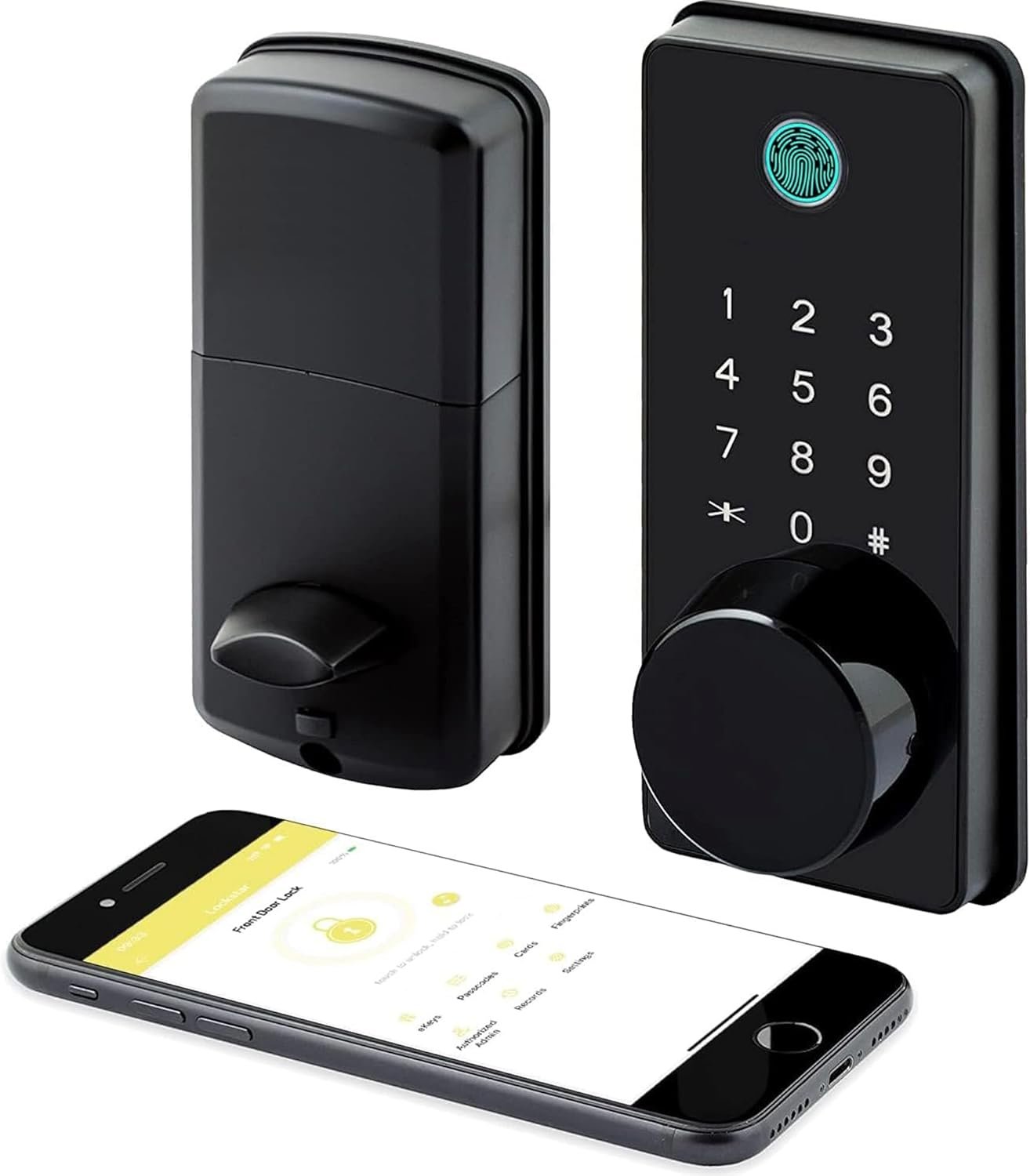
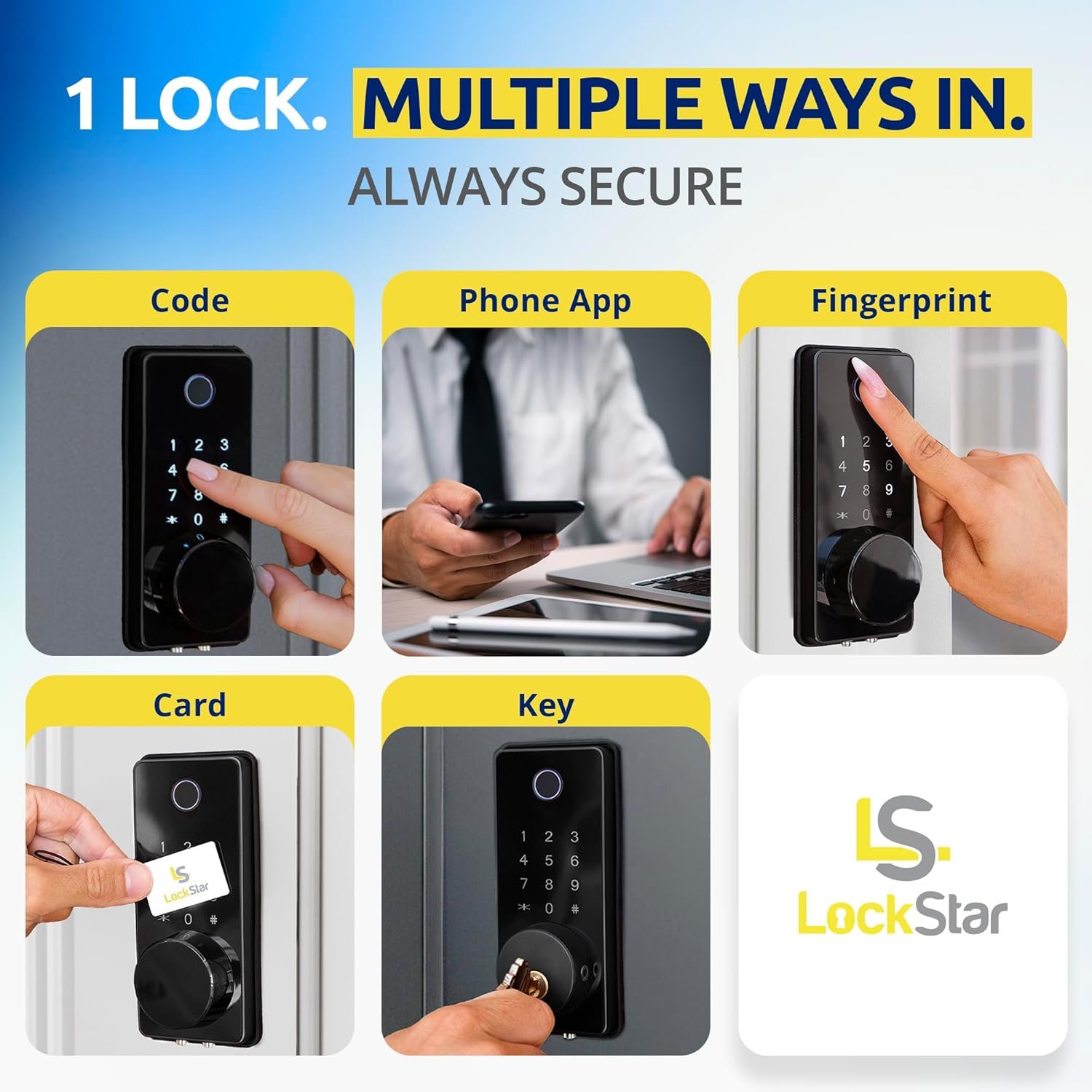
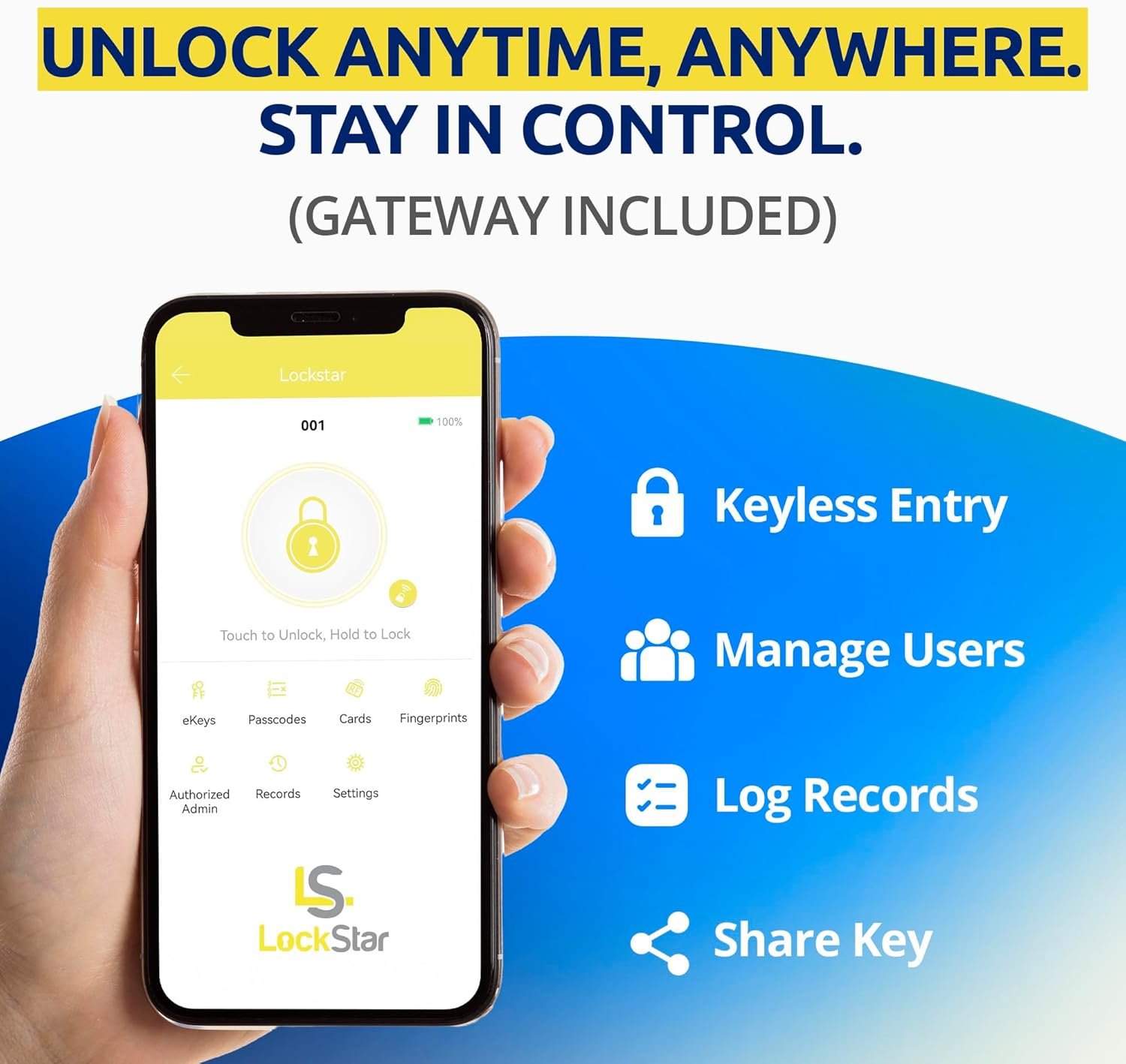
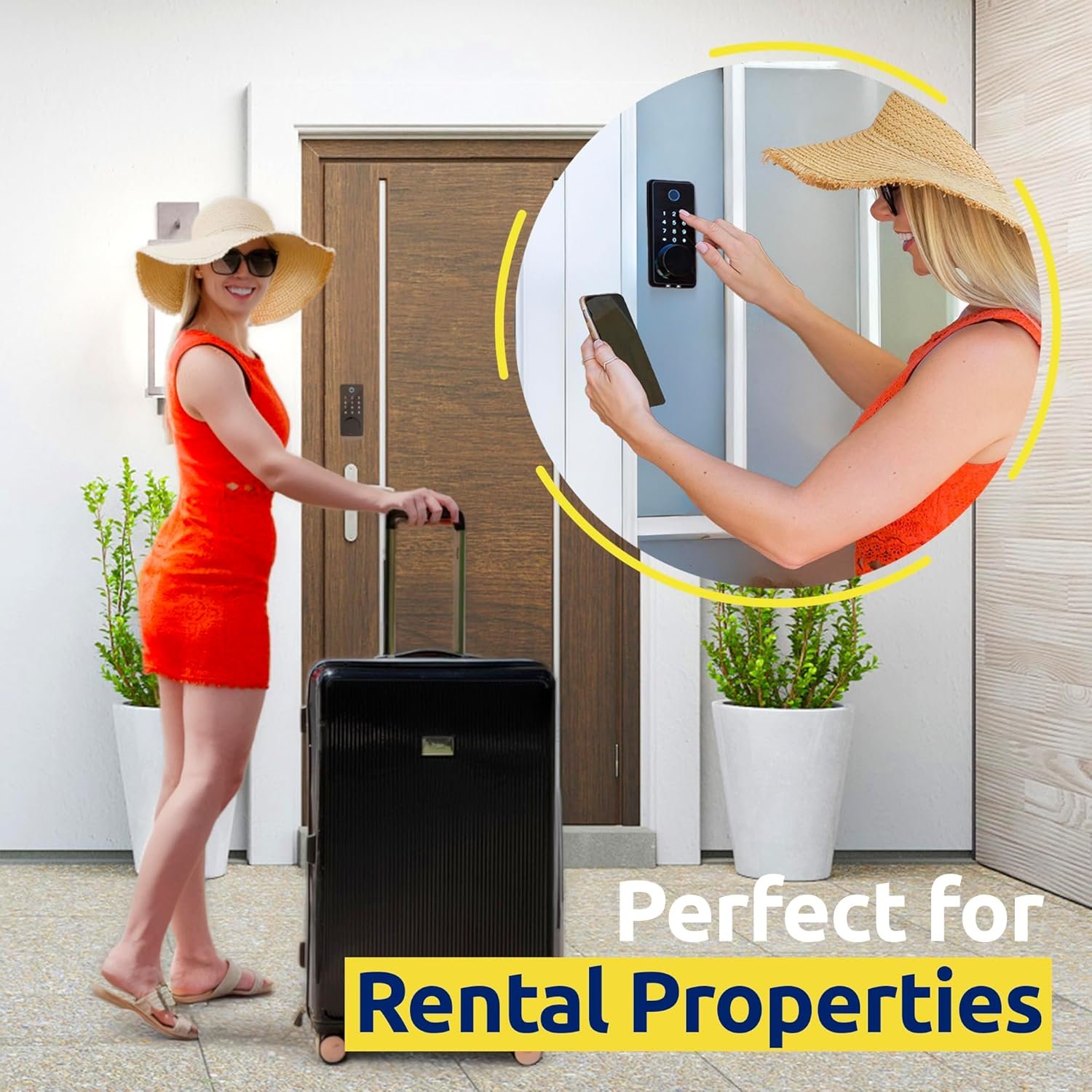
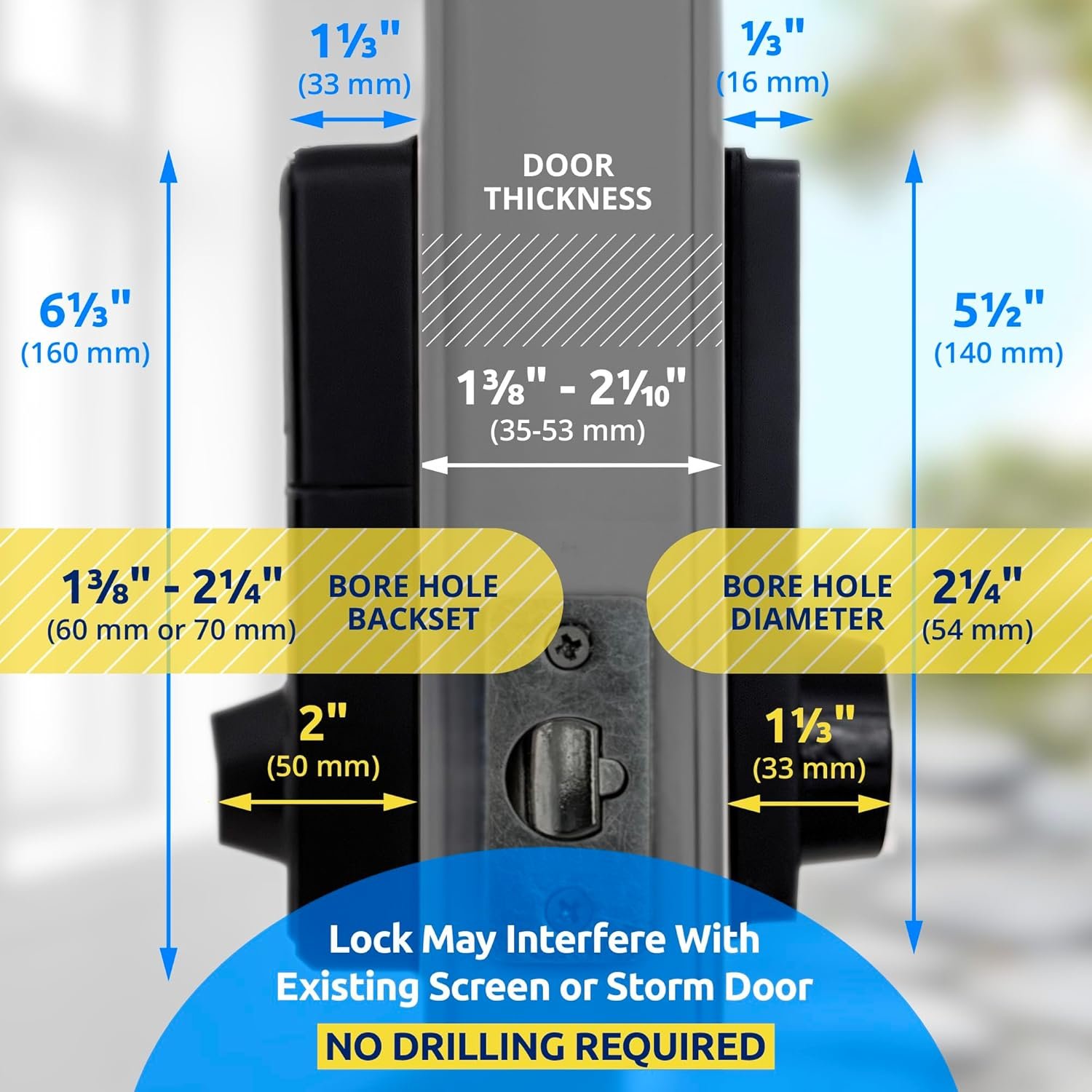
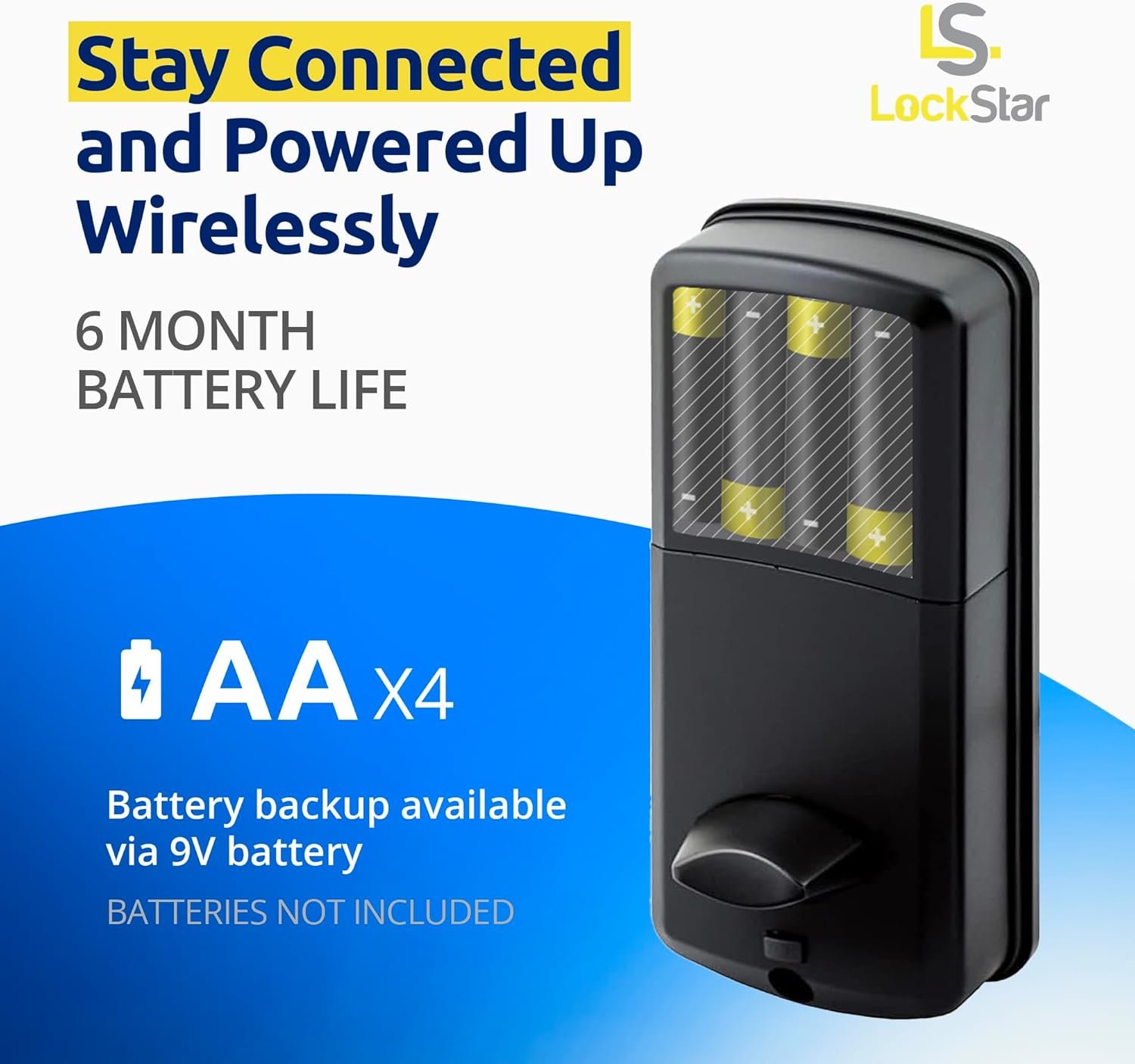

This 5‑in‑1 smart deadbolt fits most standard doors and installs with a screwdriver, offering fast fingerprint entry, a backlit keypad with decoy digits, and IC card taps for key‑free convenience; local Bluetooth works out of the box, and a small plug‑in gateway adds full remote management. Manage users and schedules in the app, export logs for rentals, and set autolock delays; replace 4×AA batteries annually in typical use, with low‑battery alerts and USB‑C jump‑start as safeguards.
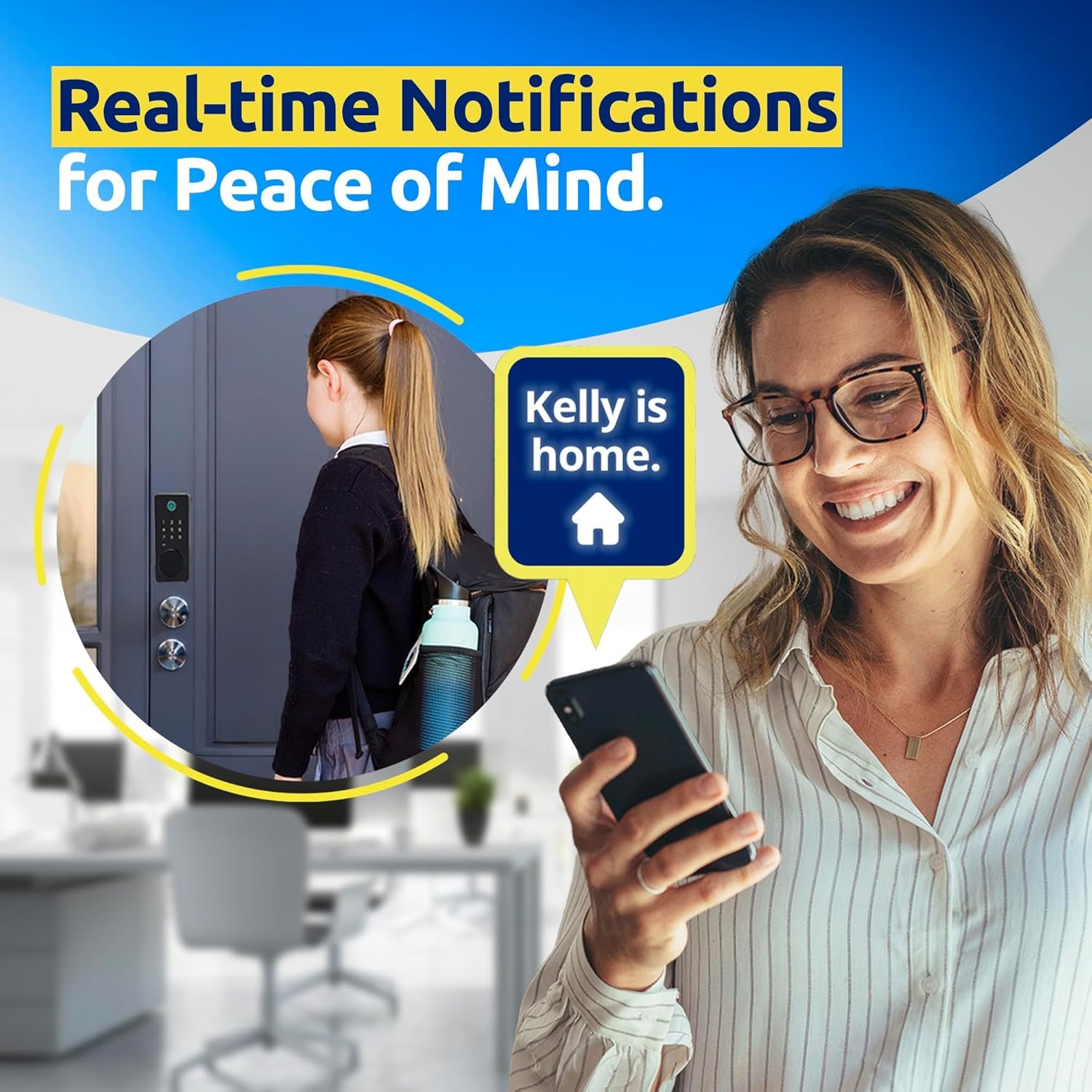
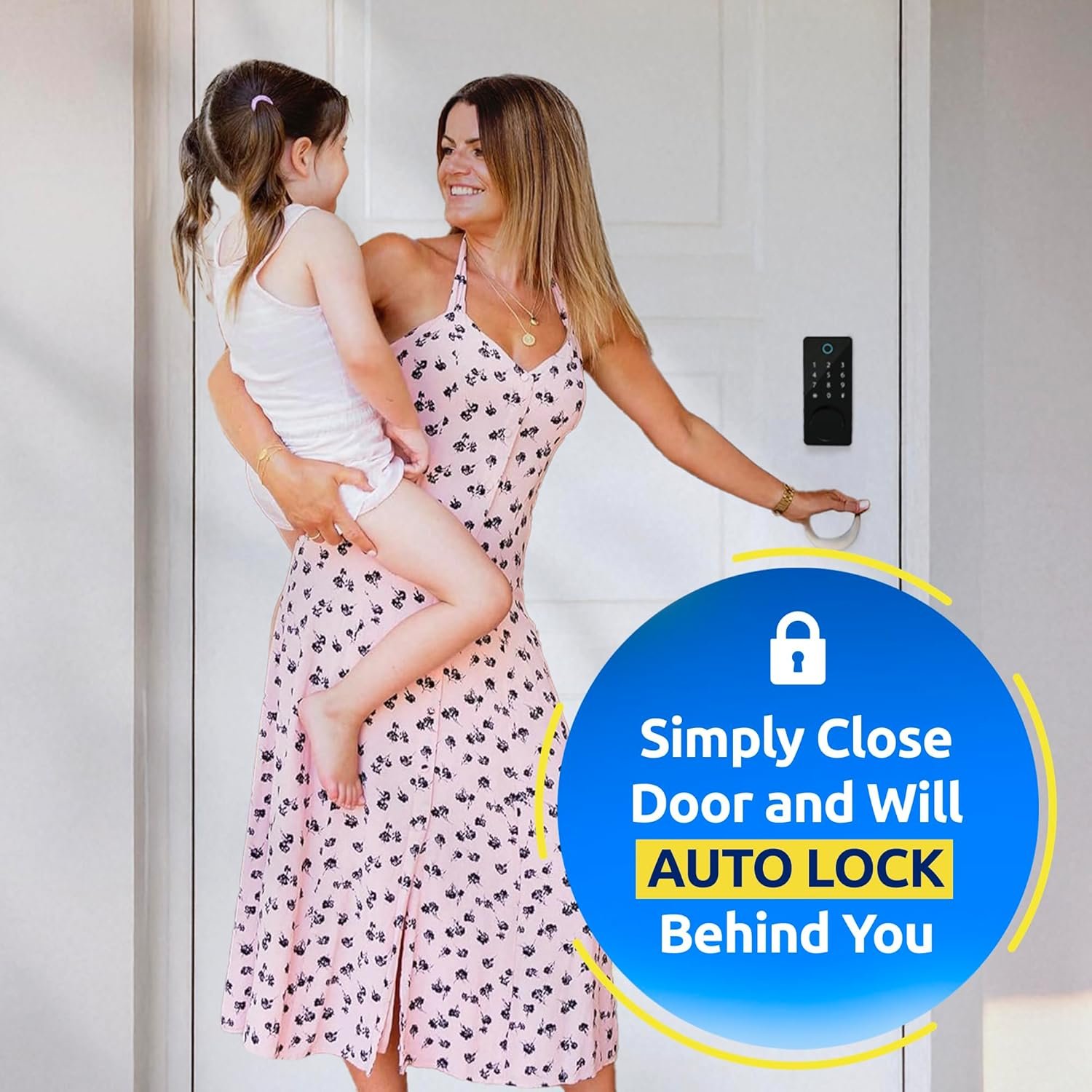
Unlock flexibility with multi‑method entry on a compact deadbolt that stores multiple fingerprints and PINs, supports IC cards, and pairs to a phone via Bluetooth for local app control, logs, and timed e‑keys; add a Tuya/TTLock Wi‑Fi gateway for remote unlock, status checks, and push alerts from anywhere. Auto‑lock, passage mode, and one‑time/periodic codes streamline guest access, while a privacy lockout and decoy PIN help deter code‑peeking; emergency power via USB and a keyed cylinder provide backups if batteries run low.