

### Blog Post:
Smart kitchen appliances are transforming everyday cooking, but do they truly save money and hassle—or are they just expensive gadgets with more problems than benefits? If you’re a hands-on home cook with smart home basics, read on for evidence-based ROI, real integration steps, and the pitfalls you need to avoid before upgrading to WiFi kitchen devices.
Key Takeaways
- Smart kitchen appliances can cut energy use by 10-15% and cooking time by around 20%, but high prices and integration headaches remain real barriers.
- Successful adoption depends on device compatibility with your existing WiFi and voice assistant systems—rushed setup is the #1 source of user regret.
- Privacy, data security, and manufacturer update policies are as crucial to evaluate as sleek touchscreen features or AI cooking modes.
- Quick market snapshot — who’s buying and why it matters
- Real-world efficiency & ROI: what smart kitchen appliances actually save
- Adoption dynamics and price sensitivity — when the premium is worth it
- Top user pain points with connected kitchen devices
- Integration checklist — making smart ovens, fridges and cooktops actually work in your home
- Security, privacy and data ownership — what you need to ask before buying
- Buying guide & shortlist: which features to prioritize by household type
- Quick wins: how to save energy, time and maintenance immediately
- Common troubleshooting & when to call support
- Final verdict & decision framework (includes a simple ROI checklist)
- FAQ
Quick market snapshot — who’s buying and why it matters
The global smart-home market is projected to exceed $100 billion in 2024 with more than 300 million smart homes by 2025. Yet, adoption of smart kitchen appliances remains cautious among U.S. homeowners: about 22% say they’re somewhat likely to buy a smart refrigerator or oven in the next six months, but only 5% are “very likely.”[3]
Price sensitivity and integration concerns keep adoption lagging, even as consumer curiosity grows. Price premiums are significant—smart refrigerators typically cost 120% more than conventional models, and AI-enabled ovens often exceed $1,000.[1] Still, kitchen connectivity is expected to accelerate, driven by demand for energy savings and voice-controlled convenience.
Real-world efficiency & ROI: what smart kitchen appliances actually save
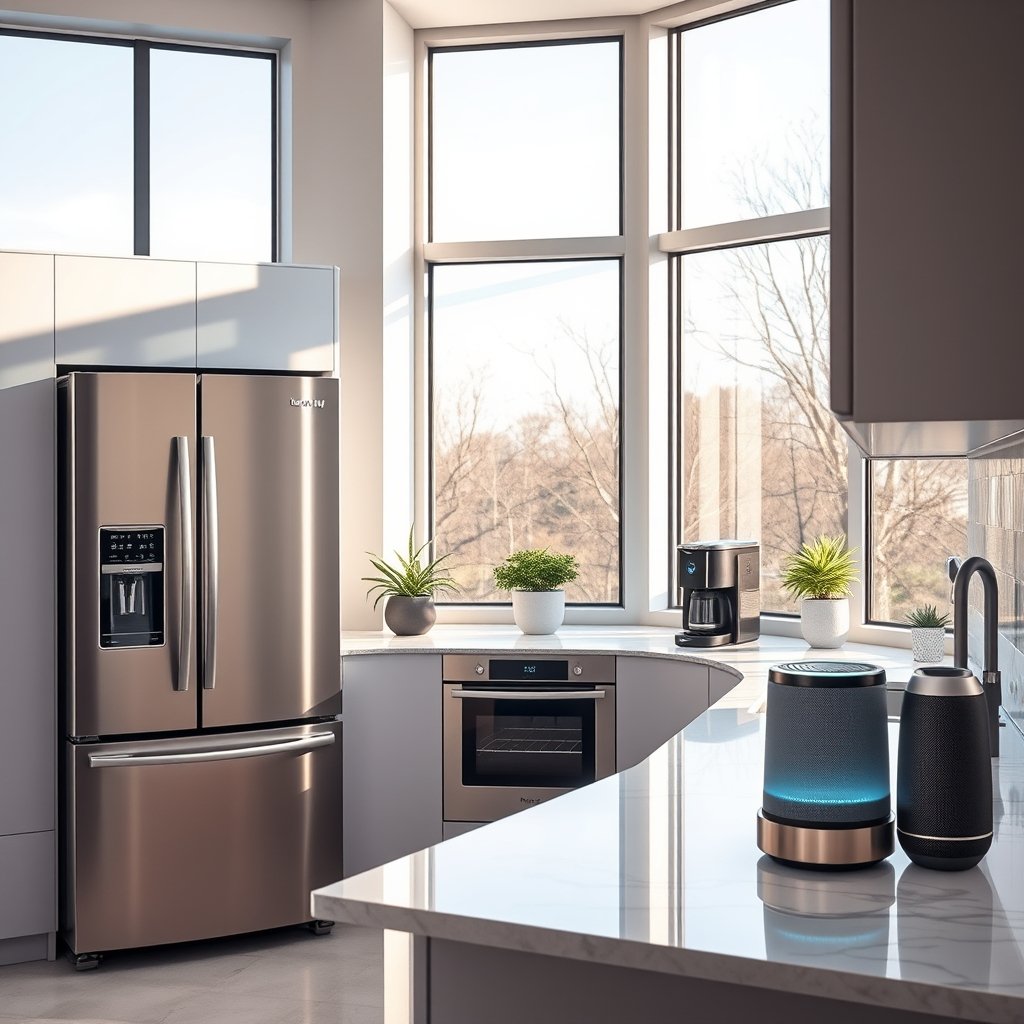
Energy-saving features in smart kitchen appliances can reduce your electricity use by 10-15%, especially in models that optimize cooling or heating cycles automatically. Smart ovens may shorten cooking times by about 20% when using AI presets or remote preheating features.[2] Connected kitchen devices equipped with diagnostic alerts can also decrease the frequency of emergency maintenance calls by nearly 30%.
However, these savings must be weighed against the price premium: a smart fridge often costs twice as much as a basic model, and cutting-edge ovens start at $1,000 or more. This means that, unless you use these features heavily and for several years, it may take 4-7 years to achieve breakeven purely on energy savings for a typical family.
On the upside, advanced control (such as voice and remote app access) can save busy cooks real time, and predictive maintenance can prevent midweek breakdowns. To maximize ROI, prioritize features you’ll use regularly—like smart notifications, inventory monitoring for bulk shoppers, or automated start/stop for multitaskers.
Adoption dynamics and price sensitivity — when the premium is worth it
Who gets the best value from a smart fridge or smart oven? Three groups tend to benefit most:
- Homeowners who cook daily and keep big, varied inventories
- Tech-forward households who already run multiple smart home devices and routines
- Families planning to replace aging kitchen appliances soon (36% of consumers fall in this category within the next year)
For occasional cooks or tech skeptics, the extra 120% upfront cost of a smart refrigerator often won’t pay off. However, if you already use Alexa, Google Assistant, or Apple HomeKit to manage lights, security, or HVAC, adding compatible smart kitchen appliances can deliver outsized convenience and time savings. The key: only pay for features you will actually use—and avoid getting upsold on flashy extras with little practical value.
Price sensitivity remains a leading barrier to mainstream adoption, so deals during major sales or incentives to bundle with other smart home upgrades are worth watching for.
Looking to refresh your space on a budget? Consider these kitchen ideas designed for efficiency and everyday usability.
Top user pain points with connected kitchen devices
Here’s what real owners cite as the biggest negatives with connected kitchen devices and WiFi kitchen devices:
- High upfront costs: The price gap between smart and standard models is often hard to justify, especially for large households.
- Fragmented interoperability: Not all brands play nicely with voice assistants, and some require separate hubs or bridges, resulting in a tangled setup.
- Unreliable WiFi/Bluetooth: Connection dropouts are common, especially if your router isn’t sited centrally or you have thick walls between the kitchen and the router.
- App headaches: Manufacturer apps may be buggy, laggy, or require constant updates, undermining promised convenience.
- Privacy and security: Consumers report ongoing unease about the data these devices collect, who it gets shared with, and whether device updates keep security up to date.[4]
In summary: many frustrations stem from poor planning at purchase and setup stage—not inherent flaws in all connected kitchen devices. A robust onboarding process is essential for peace of mind.
Explore simple ways to keep your home both smart and organized with modern home decor strategies that work well with new tech.
Integration checklist — making smart ovens, fridges and cooktops actually work in your home
To ensure your WiFi kitchen devices and smart oven work smoothly with your smart home (Alexa, Google Assistant, or Apple HomeKit), follow these steps:
- Confirm Compatibility: Before you buy, verify the device supports your preferred voice assistant and WiFi network type (2.4GHz is required by many appliances).
- Prepare Your Network: Move your WiFi router as centrally as possible. If your kitchen is distant or walled-off, consider mesh routers or repeaters for seamless coverage.
- Create a Separate “IoT” Network: Many routers let you create a guest or secondary network just for smart home gear. This reduces cyber risk and interference.
- Update the Appliance Firmware: As soon as the device is powered on, open its app and install all pending firmware updates. This fixes bugs and patches vulnerabilities.
- Add to Your Smart Home App: Use your home’s main smart device app (Alexa, Google Home, Apple Home) to discover and add your new device. Link accounts as prompted.
- Assign Rooms and Routines: Organize devices by room for clear voice control. Create automations: e.g., “Preheat oven at 6pm weekdays” or “Send fridge temp alerts at 10°C.”
- Test Voice Commands: Try basic commands and troubleshoot: if the device doesn’t respond, check if it’s added in your voice assistant’s app.
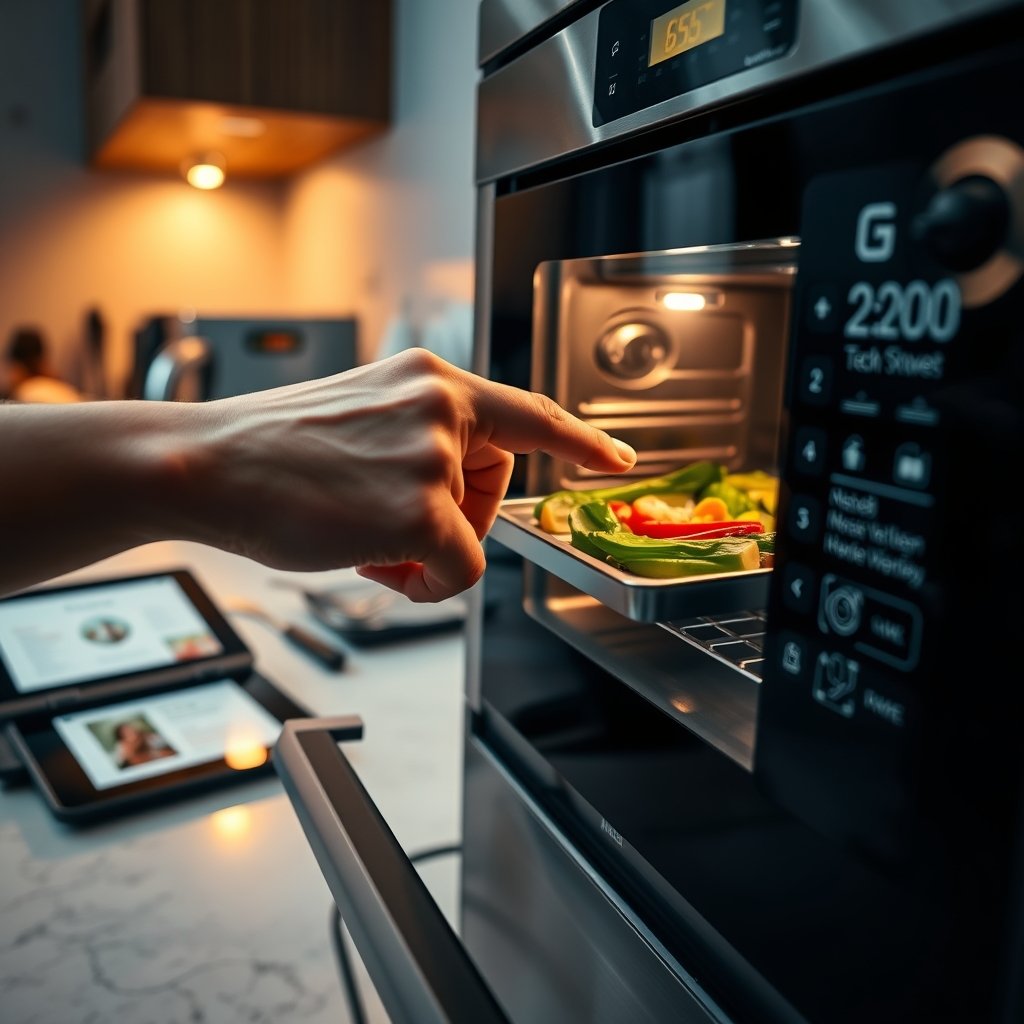
If you’re replacing major appliances soon, these integration steps become even more important. Prioritize appliances with “Matter” compatibility—this is the emerging universal smart home standard to futureproof your investment.
For more everyday integration tips, check our kitchen organization ideas.
Security, privacy and data ownership — what you need to ask before buying
Connected kitchen devices, from a smart fridge to a cloud-linked oven, open new privacy and cybersecurity risks. Before you buy, get clear answers to these questions:
- What data does the appliance collect (usage, video, voice, inventory)?
- Is data stored locally, or on the manufacturer’s servers? For how long?
- Can you opt out of data sharing with third parties—and how?
- How frequently are firmware/OS updates issued, and installed automatically?
- Does the device support network segmentation or password changes?
Best practices:
- Change all device and app passwords upon setup.
- Upgrade firmware regularly; set reminder alerts every three months.
- Use network segmentation: place connected kitchen devices on a guest network separate from laptops, banking, or work devices.
Transparent and user-controlled privacy settings should be non-negotiable. Sadly, many smart appliances default to “always collecting” and infrequent updates.
For more practical safety ideas for the whole home, our pet-friendly home tips highlight additional approaches worth considering.
- How long is the warranty and does it cover smart features?
- What is the device’s firmware update policy and cadence?
- Will the device work if the manufacturer discontinues cloud services?
- Which smart home platforms (Alexa, Google, Apple) are supported out-of-the-box?
- Can it be integrated with “Matter” or Zigbee hubs for future compatibility?
Buying guide & shortlist: which features to prioritize by household type
Not all smart kitchen appliances suit every household. Here’s how to focus your budget and avoid costly missteps:
| Buyer Profile | Priorities | Recommended Features/Specs | Sample Devices |
|---|---|---|---|
| Budget-focused | Energy savings/alerts; voice control on basics | WiFi 802.11ac; reliable firmware update policy; app ratings above 4.1; no forced subscriptions | Entry smart plugs, basic connected slow cookers, limited-feature smart fridges |
| Tech-native | Advanced automations; full voice integration; remote diagnostics | Matter support; multi-device routines; robust scheduling; open platform linkage | Mid-to-high-end smart ovens/fridges with Matter or Zigbee, app-based cooktops |
| Pro-cook/home chef | Precision cooking modes; app-recipe sync; granular monitoring | Multi-probe temp sensors; AI image recognition; OTA firmware for customizations | Premium smart ovens (AI-enabled), advanced fridges with food inventory cams |
Regardless of buyer type, always demand:
- WiFi 5 or 6 support
- Mature, well-rated apps (check reviews)
- Clear firmware update policy
- Interoperability with your home’s preferred voice system
Given that only 22% are “somewhat likely” and 5% “very likely” to purchase soon, prioritize functions you’ll use every week—not just for the occasional wow factor.
Sarah’s family of four replaces their aging fridge with a $2,200 smart model (vs. $1,000 for a standard). Annual energy bills fall by $30 from upgraded efficiency (+10%). Over 7 years, that’s $210 saved on energy, plus $150 from reduced food waste thanks to automated inventory reminders—totaling $360 real savings. The convenience of remote alerts and rescheduling service calls might save her three maintenance visits ($275). Breakeven? About 7 years—unless the cloud service quits (risk!). Bottom line: pick features you’ll actually use and rely on, and do the math before you buy.
- OTA: Over-the-air (updates your appliance via WiFi)
- Hub: A central device that connects different smart home products (e.g., Zigbee hub)
- Matter: Universal smart home standard for connected devices
- Zigbee: Wireless protocol for communication between smart devices
- Firmware: Embedded software running on your appliance
Quick wins: how to save energy, time and maintenance immediately
You don’t need to wait for the perfect ecosystem to enjoy the benefits of WiFi kitchen devices and connected kitchen devices:
- Set up automatic “eco” modes for your fridge and oven—these can cut energy use by up to 15% immediately.
- Use app-based preheating or remote scheduling for your smart oven—saving up to 20% of cooking time by having things ready as you walk in the door.
- Enable maintenance alerts. Responding to early warnings can reduce costly emergency repairs and result in about 30% fewer technician calls over the device lifespan.
- Opt into basic automation routines—like shutting down cooktops automatically if no motion is detected—that also add a layer of safety.
If your device’s app is frustrating, check for updates or look for third-party integrations compatible with your smart home—this can dramatically improve usability.
Low-maintenance kitchen updates can also complement your smart upgrades for added efficiency.
Common troubleshooting & when to call support
Even the best WiFi kitchen devices and smart ovens have quirks. Here’s how to fix the basics—and when to escalate:
| Issue | Self-Fix Steps | When to Call Support |
|---|---|---|
| WiFi connection drops | Reboot appliance and router. Move router closer. Split IoT devices on a guest network. | Persistent disconnects suggest hardware/WiFi module defect. |
| Voice app won’t control device | Ensure device is added in voice assistant app. Check device and app updates. Remove/re-add skill/integration. | If re-pairing fails repeatedly, device or app may be incompatible—contact manufacturer. |
| App is slow or buggy | Force update or reinstall app. Clean device storage. Substitute third-party apps where possible. | If app is unsupported/abandoned—return or request model replacement. |
| Firmware won’t update | Retry on wired connection or different WiFi. Clear app cache. Use manufacturer online update tool if available. | Repeated update failures may indicate deeper hardware issues. |

Red flag: If the appliance resets unpredictably, won’t hold settings, or overheats, disconnect and contact support—these are signs of hardware defects or unsafe wiring.
For more general home upgrades with less troubleshooting, check our home decor guides.
Final verdict & decision framework (includes a simple ROI checklist)
Is now the right time to invest in smart kitchen appliances and connected kitchen devices? The answer depends on your habits, integration needs, and privacy comfort level.
- Adoption is still modest (22% “somewhat likely” to buy; only 5% “very likely” in the next six months)
- Price premiums run to 120% above non-connected models
- Real efficiency: around 10-15% energy savings, 20% faster cooking, and 30% fewer breakdowns—but mostly with frequent use
Before buying, work through this 5-point ROI checklist:
- Will I use these features several times a week?
- Are local energy rates high enough that efficiency savings add up?
- Am I replacing a near end-of-life appliance, making the premium smaller in real terms?
- Is my home ready for seamless integration (voice, WiFi mesh, smart routines)?
- Am I comfortable with the device’s privacy and data practices?
If you answer “yes” to at least four, the upgrade may be worth it. Otherwise, consider waiting—next-generation devices will offer stronger standards and better privacy controls.
The world of smart kitchen appliances is evolving fast. Choose wisely, integrate carefully, and you can truly save time, energy, and frustration—while avoiding the most common pitfalls. Ready to take control? Audit your current kitchen, upgrade methodically, and reap the rewards of smarter cooking.
FAQ
Do smart kitchen appliances always require an internet connection?
No, most features like timers or cooking modes work locally, but remote control, updates, or real-time notifications usually require internet access. Some devices won’t work at all unless connected, so check before you buy.
How do I know if a smart appliance is compatible with my smart home system?
Check if the device lists direct compatibility with your platform (Alexa, Google Home, or Apple HomeKit) and supports “Matter” or “Zigbee”—these enable broader interoperability.
What’s the biggest cause of WiFi kitchen devices going offline?
Most downtime is due to WiFi signal dropouts or router overload. Keep your router up to date, centrally located, and place devices on a dedicated IoT network if possible.
Are smart kitchen appliances safe for privacy?
Risks exist: appliances may collect extensive usage and even audio/video data. Buy from brands with transparent privacy policies, use strong passwords, and update firmware promptly.
Is there a cost-effective way to start integrating smart kitchen tech?
Start slow: try one or two affordable smart plugs or entry-level devices and integrate them fully before adding more. Many major brands now offer compact, budget-friendly WiFi kitchen devices for first-time users.
—